
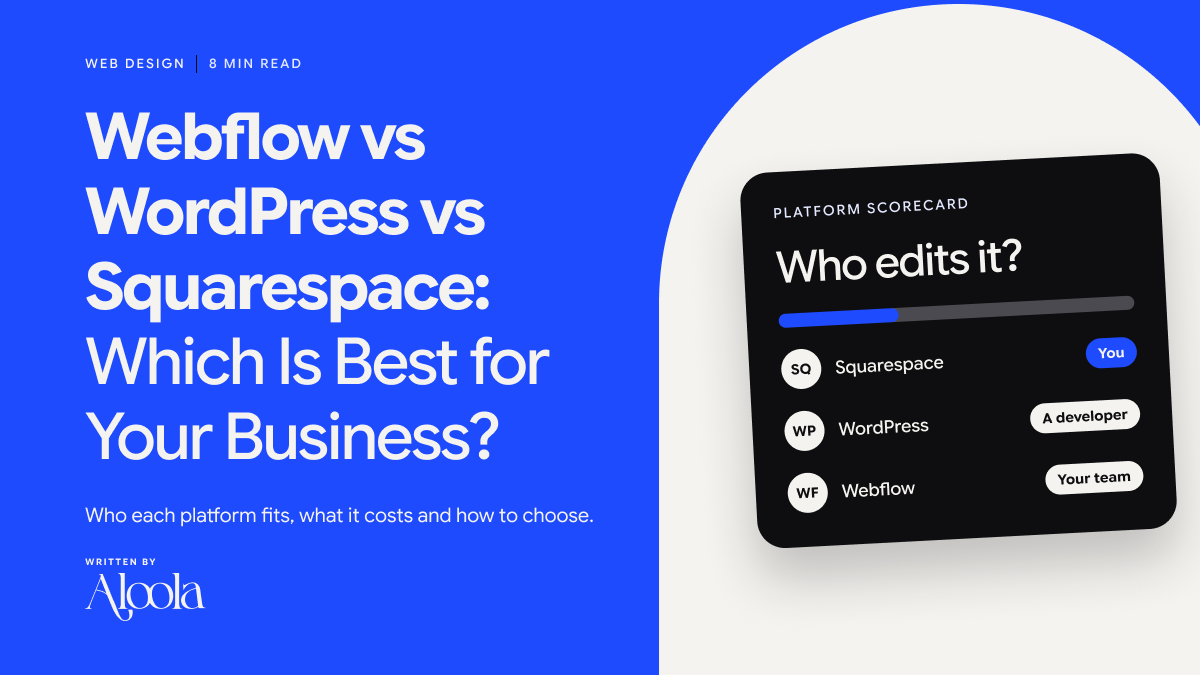
- The best website platform depends on who will edit and maintain the site every week.
- Squarespace suits simple sites you edit yourself, from $19 a month billed yearly.
- WordPress offers the most flexibility, but Patchstack counted 11,334 new ecosystem vulnerabilities in 2025, mostly in plugins, so budget for maintenance.
- Webflow suits custom, content-rich marketing sites, from $25 a month billed yearly with the CMS.
- Use the decision checklist to match your team, content and budget to the right platform.
TLDR: Pick Squarespace if you want a good-looking site live this month and you'll mostly edit it yourself. Pick WordPress if you need a specific plugin, full control over hosting and code, and someone to handle updates. Pick Webflow if your website is a core marketing channel and you want custom design, a strong CMS and clean technical SEO without managing plugins. In the Webflow vs WordPress decision, the deciding question is usually who will maintain the site.
You need a new website, and every person you ask gives you a different answer. Your cousin swears by WordPress. A designer on LinkedIn says Webflow or nothing. The podcast you listened to on the way to work was sponsored by Squarespace. Everyone is confident, and nobody asked what your business actually needs.
All three platforms can run a great small business website. They suit different budgets, different teams and different growth plans. This guide covers what to compare, who each platform is best for, what each one costs in 2026, a side-by-side comparison and a decision checklist you can fill in today.
Quick disclosure: at Aloola we build most client sites in Webflow. We still recommend Squarespace or WordPress when they fit better, and this guide shows you how we make that call.
What matters most when choosing a website platform?
The platform debate usually gets stuck on features. For a growing business, five things matter more:
- Total cost: the plan price plus hosting, add-ons, paid plugins and the hours someone spends keeping the site running.
- Editing: how easily your team can update copy, add a blog post or launch a landing page without calling a developer.
- SEO and AEO: control over titles, meta descriptions, redirects, schema and clean page structure, so search engines and AI tools can understand your site.
- Speed and security: who handles hosting, updates and security patches, and how much can go wrong if nobody does.
- Room to grow: whether the platform can handle 10 pages today and 200 pages, a resource library and multiple editors in two years.
Popularity alone won't decide it. According to W3Techs data from November 2026, WordPress runs 38.5% of all websites, Squarespace runs 2.4% and Webflow runs 0.8%. Those numbers show WordPress has the biggest ecosystem, which says little about which platform fits your team.
Pro tip: Before you compare platforms, write down who will edit the site every week and how comfortable they are with tech. That one answer rules out more options than any feature list.
Who is Squarespace best for?
Squarespace is an all-in-one website builder. Hosting, security, templates and support come bundled, and you edit pages with a drag-and-drop editor. It's the fastest path from "we need a website" to "we have a website" for most small businesses.
It's a strong fit for:
- Service businesses that need a clean site with booking, forms and a simple blog, like a salon, a physio clinic or a photographer
- Owners who will update the site themselves and don't want to think about hosting or updates
- Small online stores and businesses selling a handful of services
On cost, Squarespace's pricing page lists four plans: Basic at $19 a month, Core at $29, Plus at $49 and Advanced at $99, all billed yearly in US dollars. Monthly billing runs higher. Basic charges a 2% transaction fee on online store sales, and Core removes it.
The trade-offs show up as you grow. Design freedom stays inside Squarespace's templates and layout system, advanced code injection starts on Core, and moving a large site off Squarespace later takes real work. If you plan to run a big content library or heavy custom design, you may outgrow it.
Pro tip: If you sell anything online, start on Core instead of Basic. Once your monthly sales pass about $500, the 2% fee on Basic costs more than the $10 difference between the two plans.
Who is WordPress best for?
WordPress is free, open-source software. You pay for hosting, a theme or page builder, and any premium plugins, then either maintain it yourself or pay someone to. Its biggest strength is flexibility: there's a plugin for almost anything, and you can host it anywhere.
It's a strong fit for:
- Businesses that need a specific plugin or integration that only exists on WordPress, like a niche booking system or membership tool
- Large content sites and publishers with thousands of posts and a developer on hand
- Teams that want full ownership of their code, data and hosting
The catch is maintenance, and the risk lives mostly in plugins. Patchstack's State of WordPress Security in 2026 counted 11,334 new vulnerabilities in the WordPress ecosystem in 2025, a 42% increase on the year before, and 46% weren't fixed in time for public disclosure. WordPress core itself is well maintained. A site with 30 plugins and nobody updating them is where trouble starts.
Costs are also harder to predict. A simple WordPress site can be cheap to run, while a site with managed hosting, a premium builder, paid plugins and a maintenance retainer can cost more than either alternative.
Pro tip: If you choose WordPress, budget for maintenance from day one. Name the person or company responsible for updates, backups and security monitoring before the site launches, and keep your plugin list as short as possible.
Who is Webflow best for?
Webflow is a visual website builder with built-in hosting and a CMS. Designers can build fully custom layouts without writing code, and marketing teams can publish blog posts, case studies and landing pages without a developer. Hosting, SSL and security updates are handled for you.
It's a strong fit for:
- Growing businesses where the website is a key sales and marketing channel
- Companies that want a custom, on-brand design instead of a template
- Teams publishing regular content, like a blog, a resource hub or case studies, who care about SEO
On cost, Webflow's pricing page lists the Basic Site plan at $15 a month billed yearly for simple sites without a CMS, and Premium at $25 a month billed yearly for sites with a blog or other CMS content. Premium includes the Webflow CMS with up to 20,000 CMS items. Extra collaborators can add Workspace seat costs.
The trade-offs: Webflow has a steeper learning curve for designing pages, and most businesses hire a designer or studio for the first build. There's also no giant plugin library like WordPress, so niche features may need a third-party tool or custom code.
We've seen what it can do when it's built well. At a YC-backed SaaS company where Kate led brand and web, the Webflow site she designed and built grew web traffic 300% over four years, and site conversion more than doubled.
Pro tip: Ask your Webflow designer to build the navigation, footer and repeated sections as components, and to give your team editor access with a short training session. That's what makes a Webflow site easy to keep up after launch.
Webflow vs WordPress vs Squarespace: side-by-side comparison
Here's how the three platforms compare for a typical growing business site in 2026. Prices are list prices in US dollars, billed yearly, before add-ons.
Platform comparison (copy and paste):
Factor | Squarespace | WordPress | Webflow
Best for | Fast, simple sites you edit yourself | Maximum flexibility and plugins | Custom design and content-heavy marketing sites
Starting price | $19/mo (Basic) | Free software, plus hosting, theme and plugins | $15/mo (Basic), $25/mo with CMS (Premium)
Hosting and security | Included and managed | You or your host manage it | Included and managed
Design freedom | Template-based | High, depends on theme or builder | Very high, fully custom
Ease of editing | Very easy | Easy to moderate | Easy for content, harder for design
Ongoing maintenance | Low | High (core, theme and plugin updates) | Low
Room to grow | Moderate | High | High
Who usually builds it | You | A developer or agency | A designer or studio
If you'd like to compare platforms against the rest of your website plan, our website redesign checklist walks through the full project from audit to launch.
Decision checklist: which website platform should you choose?
Answer these questions honestly. The platform that matches most of your answers is usually the right one.
Website platform checklist (copy and paste):
1. Who will edit the site every week? [me, non-technical / a marketer / a developer]
2. How many pages will we have in two years? [under 20 / 20 to 100 / 100+]
3. Do we need a blog, case studies or a resource library? [no / small / big]
4. Do we need a specific plugin or integration? [name it]
5. How custom does the design need to be? [template is fine / on-brand / fully custom]
6. Who handles updates and security? [nobody / us / a paid partner]
7. What's our budget for the build? [$ to $]
8. What's our monthly budget to run it? [$ to $]
Mostly "me," "template is fine" and small content: Squarespace
A must-have plugin, a developer on hand and a big content library: WordPress
A marketer editing, on-brand design and growing content: Webflow
Filled-in example (a fictional physio clinic):
Northside Physio, a 12-person clinic with two locations
1. Who edits: the clinic manager, non-technical
2. Pages in two years: about 30 (services, locations, team, blog)
3. Content: a monthly blog post and patient guides
4. Must-have integration: their existing booking software, which embeds on any platform
5. Design: on-brand, with real photos of the team and clinic
6. Updates and security: nobody wants to own it
7. Build budget: fixed-scope project
8. Monthly budget: under $50
Decision: Webflow Premium. The manager can publish blog posts and edit pages, nobody has to manage plugin updates, and the design matches the new brand. If the budget were tighter and a template looked fine, Squarespace Core would be the runner-up.
Frequently asked questions
Is Webflow better than WordPress for SEO?
Both can rank well. Webflow gives you clean code, redirects, schema and metadata controls without plugins, while WordPress usually relies on SEO plugins. Content quality and site structure matter more than the platform.
Is Squarespace good enough for a small business?
Yes, for many service businesses and small stores. It becomes limiting when you need custom design, a large content library or advanced integrations.
Can I switch platforms later?
Yes, but it's a project. Plan a content migration and a full 301 redirect map so you keep the search traffic you've earned.
Which platform is cheapest?
WordPress software is free, but hosting, plugins and maintenance add up. Squarespace and Webflow bundle hosting into one predictable plan, which often makes them cheaper to run for a small team.
Pro tip: Compare platforms on a two-year cost, including the build, the plan, add-ons and the hours someone spends maintaining it. The cheapest monthly price rarely wins over two years.
Not sure which platform fits your business? Aloola plans, designs and builds Webflow websites for growing businesses in fixed-scope 1-2 week sprints, led by someone who has spent 10+ years building brands and marketing functions inside venture-backed, YC SaaS startups. We'll tell you if Squarespace or WordPress is the better fit. See our website design services or book a call.


